Ranking eight to fifteen
Close enough that a stronger version moves it onto the first page.

Import them from your CMS, see what has changed since they went out, and get the edits with the reason for each one. You approve what you want, republish to the same URL, and Search Console shows what moved.
An article goes live and starts drifting. The statistics date. A competitor publishes something more complete. The question buyers type changes shape. The page has not moved, but its position has.
The usual answer is to publish more, which leaves the older work exactly where it was and gives it something new to compete with.
Connect Search Console and Eclipse reads your own numbers, page by page and query by query, then puts the pages with something to gain at the top of the list.
Close enough that a stronger version moves it onto the first page.
The page is being shown to buyers and passed over.
Position drifting the wrong way while the query holds steady.
Connect your CMS and pull the live articles in. Each one lands in your content table as a full Eclipse item, carrying its source, its published URL and the date it went out.
From there it behaves like everything else in your account. Content profiles apply. Research applies. The editor opens. Approvals apply.
 WordPress
 Webflow
 Wix
 Contentful
 HubSpot
 Ghost
Both modes run research before they write, so the material going in is current. A refresh usually takes minutes.
Keeps the article's identity, its argument and its voice.
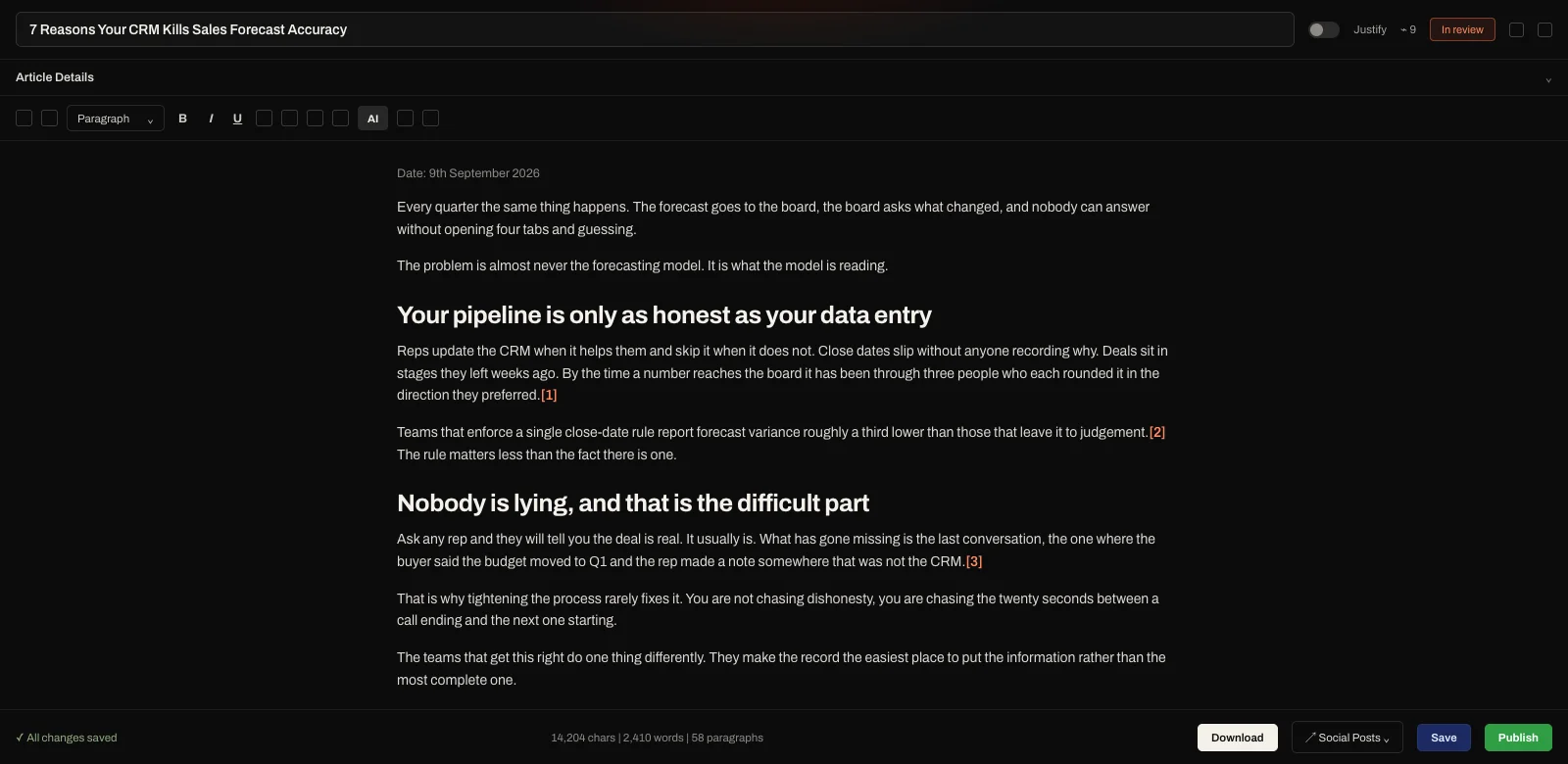
A more assertive pass that rebuilds the article against Eclipse's SEO and GEO standards.
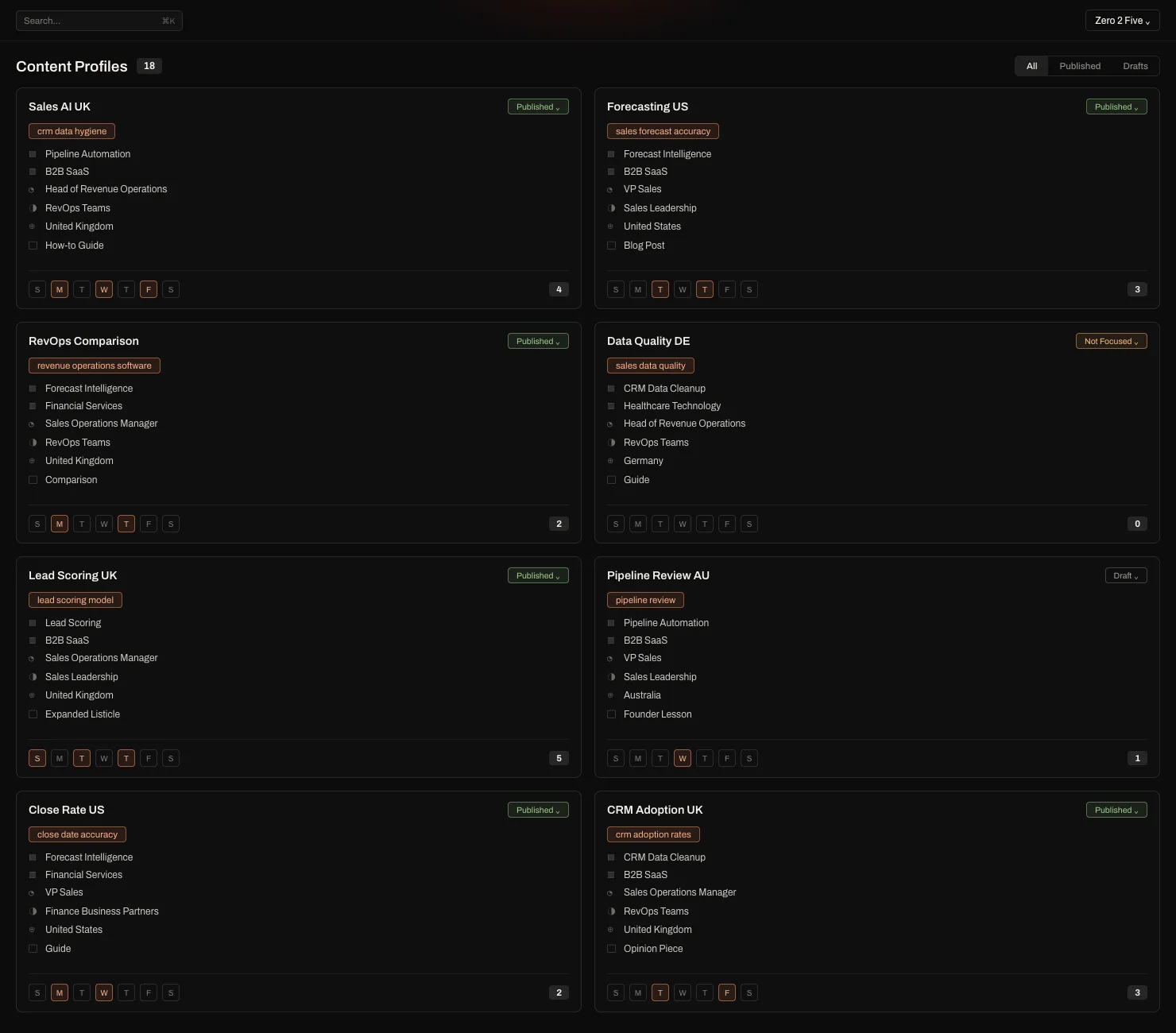
Suggestions open in the editor as additions and removals, marked in place where they belong. A panel beside the text explains each edit and counts the ones you have not answered yet.
Accept a change and it becomes part of the article. Decline it and it disappears. Edit it and it becomes yours. Nothing reaches your site until you have been through them.
CASi scores every article against E-E-A-T. A refreshed article is scored again, and both scores stay on it, so you can see whether the gain came from experience, expertise, authority or trust.
Approved work goes back to the CMS it came from and replaces the version that was live. The address holds. Eclipse keeps every version, so you can open the one before this and compare them.
Eclipse records the date you republished against the URL. Search Console keeps reporting, and Eclipse shows the before and the after for the page and the queries feeding it.
Agencies run this across every client from one account, with each workspace separate. Every client asks the same thing after the first quarter. What happens to everything you wrote for us last year?
Bring a page that used to perform. We will import it, refresh it, and show you every change and why we made it, before anything goes near your site.